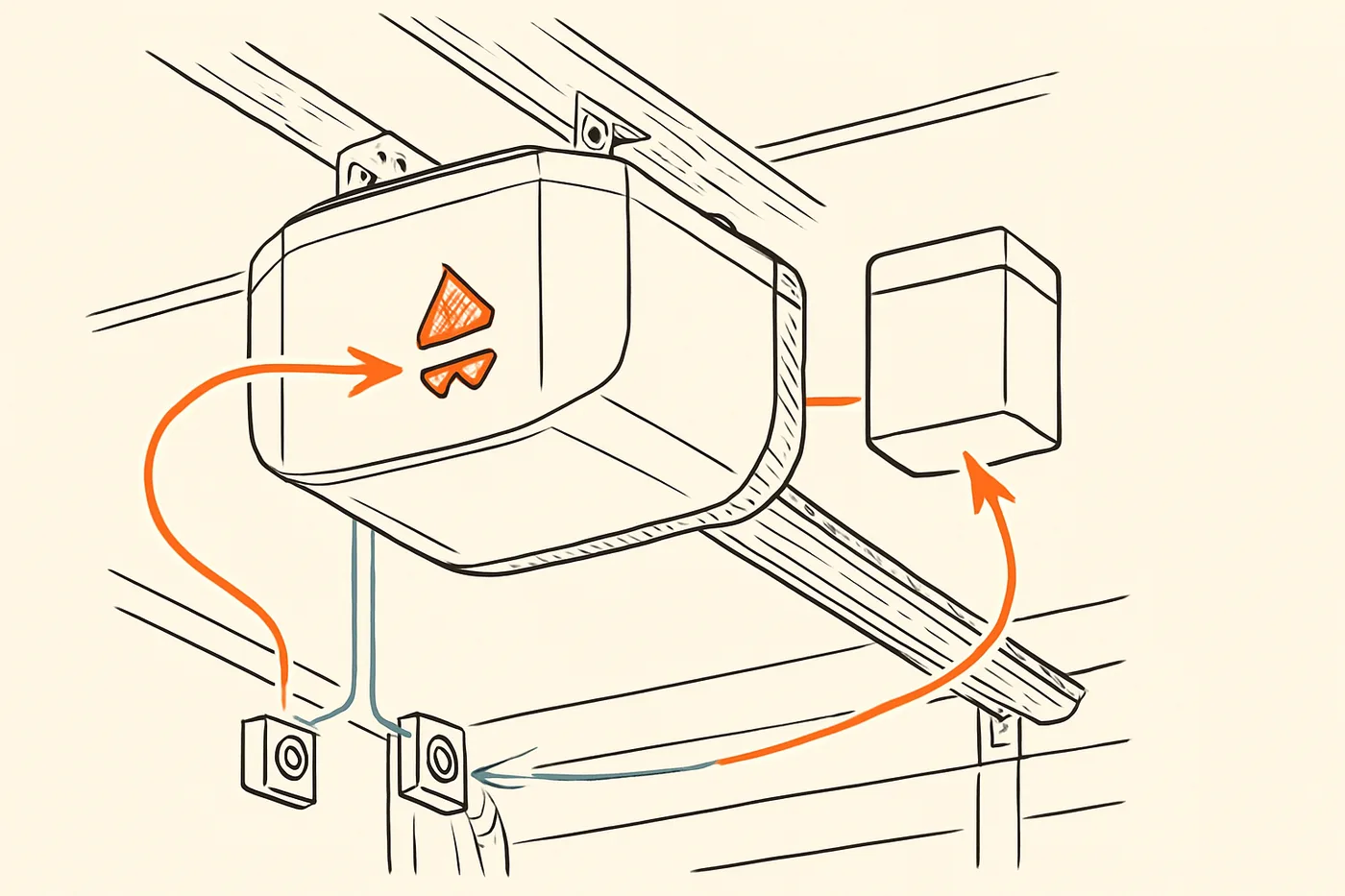
Chamberlain B980 flashing, beeping or won't close? What the manual says about battery backup, myQ and error codes
Your Chamberlain B980 is flashing its arrows, beeping, or will not close the door. Here is where the manual and model label are, what the battery lights and beeps mean, why myQ setup fails, and what each arrow-flash code points to, with the manual page for each.

Your Chamberlain B980 is flashing the arrows on its side, beeping every few seconds, or sending the door back up instead of closing it. Each of those has an answer in the B980 owner's manual, and this page points you to the right page for each one. The page numbers below are the manual's own.
What the B980 is
The B980 is a belt-drive garage door opener for residential use only, according to the cover of its owner's manual. The cover also says it comes with a pre-programmed remote and works with myQ accessories (manual, cover). Chamberlain's B980 page says it connects to a home network with built-in Wi-Fi.
The model is discontinued. Chamberlain's B980 page says: "This model number is discontinued. Available replacement parts are listed below." So you can still get parts for it, but not a new one from Chamberlain.
Where the manual and the model label are
The owner's manual is this PDF. The model label is on the left side panel of the opener, according to the manual's cover. The myQ serial number you need for Wi-Fi setup is also on the opener (manual, p. 33).
Battery backup: what the lights and beeps mean
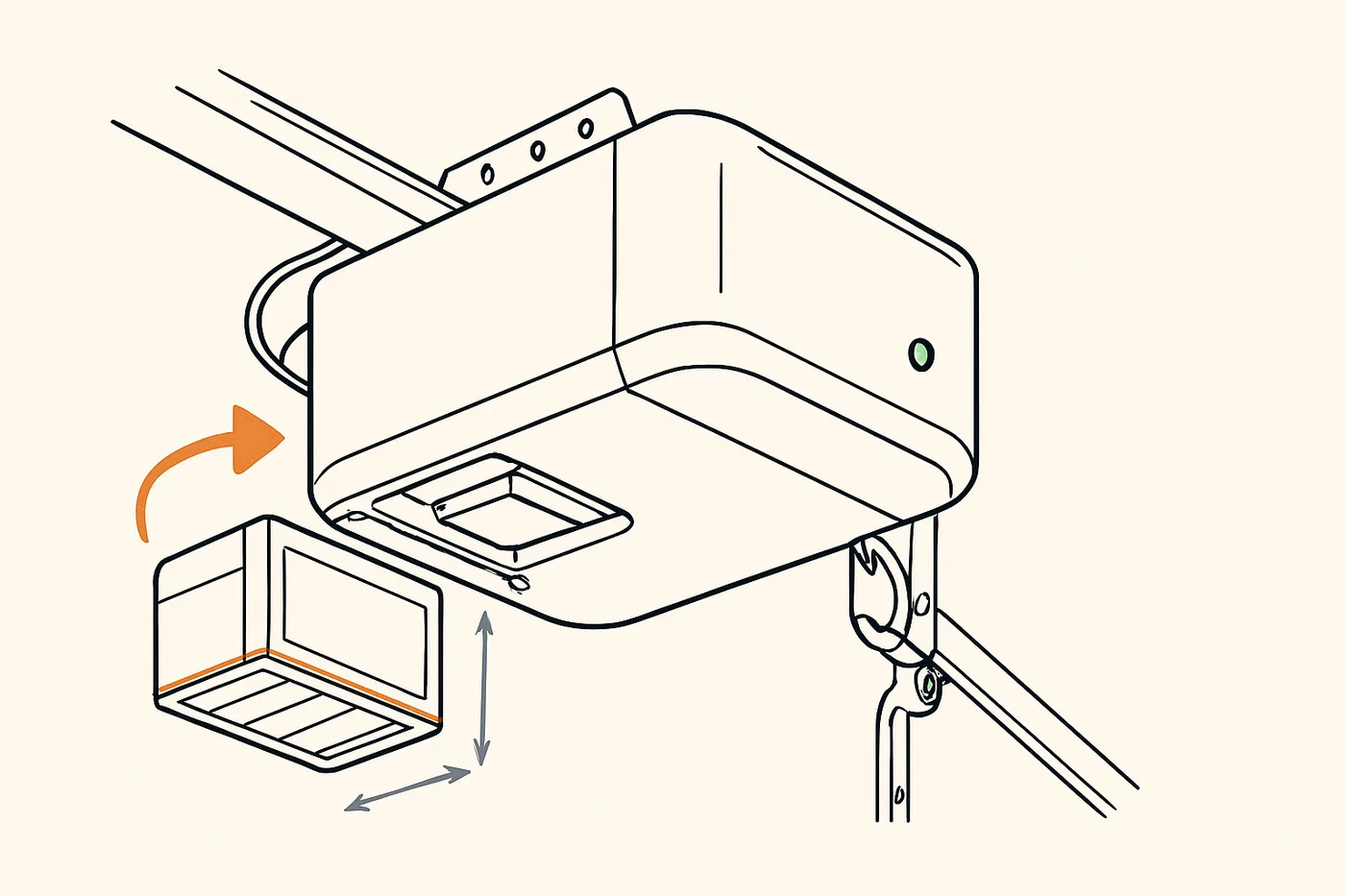
The battery lets you get in and out of the garage during a power outage (manual, p. 32). On battery, the opener runs slower, the status LED shows solid orange, and it beeps about every 2 seconds (manual, p. 32).
Page 41 of the manual gives the battery LED states:
| Battery LED | What the manual says it means |
|---|---|
| Solid green | Fully charged |
| Flashing green | Charging |
| Solid orange | Running on battery |
| Flashing orange, beep every 30 seconds | Battery low |
| Solid red, beep every 30 seconds | The 12V battery will not hold a charge. Replace it. |
The manual gives two causes for beeping: the opener is on battery power or its battery needs replacing, or it was activated by something like Timer-to-Close or a monitor (manual, p. 41).
What does not work on battery
On battery, the opener lights, the features that close the door when nobody is there (myQ smartphone control and Timer-to-Close) and Remote Close are not available (manual, p. 32). So during an outage you cannot close the door from your phone until the power comes back (manual, p. 32).
Charging, life and testing
A battery takes 24 hours to fully charge, and a fully charged one supplies 12Vdc for one to two days of normal operation (manual, p. 32). The manual says the battery lasts about one to two years with normal use, and the replacement is Chamberlain part 41A6357-1 (manual, p. 32). To test it, the manual says to unplug the opener and then plug it back in (manual, p. 32).
Our guide to battery backup for garage door openers explains what a backup does in general.
Setting up myQ, and why it fails
Before you start, the manual says you need a smartphone or tablet, broadband internet, a 2.4 GHz 802.11b/g/n Wi-Fi signal in the garage, your home network password, and the myQ serial number on the opener (manual, p. 33).
The setup steps on page 33 of the manual are:
- Press the LEARN button on the opener 3 times. It beeps once and a blue light flashes, and you have 20 minutes to finish (manual, p. 33).
- On your phone, join the Wi-Fi network whose name starts with "MyQ-" (manual, p. 33).
- Go to setup.myqdevice.com and set up your account (manual, p. 33).
When it will not connect, these are the causes the manual names:
- The Wi-Fi in the garage is the wrong kind. It needs a 2.4 GHz 802.11b/g/n signal in the garage (manual, p. 33).
- The opener is on battery. myQ does not work on battery power (manual, p. 33).
- LEARN will not start Wi-Fi setup. The opener must finish one full open-and-close cycle after it is installed or after a power outage (manual, p. 41).
For more help, the manual points to wifihelp.chamberlain.com (manual, p. 33). To erase the Wi-Fi connection and start over, hold the black adjustment button for about 6 seconds until you hear 3 beeps (manual, p. 38).
Remotes and keypads
The B980 comes with a pre-programmed remote (manual, p. 37). To add a remote or keypad from the door control, you go to Menu, then PROGRAM, then REMOTE (and press the remote's button) or KEYPAD (and enter a 4-digit PIN, then ENTER) (manual, p. 37). The lights flash or you hear two clicks when it has worked, and if it did not, the manual says to repeat it using the learn button on the opener (manual, p. 37).
Older Chamberlain remotes are not compatible; see page 42 (manual, p. 37). If the HomeLink buttons in your car will not pair, they may need a Compatibility Bridge, which the manual points to at bridge.chamberlain.com (manual, p. 41).
If a neighbor's remote opens your door, the manual says to erase the memory and reprogram your remotes (manual, p. 41). The erase options on page 38 are:
- Hold LEARN for about 6 seconds until the LED goes out to erase all remotes and keypads (manual, p. 38).
- Hold LEARN, release it, then hold it again to erase remotes, keypads and myQ devices (manual, p. 38).
The door control also sets Timer-to-Close, which is off by default, is for sectional doors only and not one-piece doors, and does not work on battery or when the sensors are misaligned (manual, p. 37). The settings are 1, 5 or 10 minutes, or a custom setting up to 99 (manual, p. 37).
Our guide to a remote that is not working goes through more causes.
The arrow-flash codes
When something is wrong, the UP and DOWN arrows on the opener flash a code (manual, p. 40). Count the flashes and match them to the chart on pages 40 and 41 of the manual. These are the codes the chart starts with:
| Code | What the manual says | What the manual says to do |
|---|---|---|
| 1-1 | The door will not close and the bulbs flash. The sensors are not installed or not connected, or a wire is cut. | Check the sensors are installed and connected and the wires are whole. |
| 1-2 | A sensor wire is shorted or reversed. | Inspect the sensor wire at every staple and connection point, and replace or correct the wire as needed. |
| 1-3 | The door control will not work: its wires are shorted, or the door control is faulty. | Inspect the door control wires at every staple and connection point, and replace or correct the wire as needed. |
| 1-4 | The sensors are misaligned or were briefly obstructed. | Realign them so both sensor LEDs are steady, and make sure nothing hanging on the door is in the sensor path. |
| 1-5 | The door moves 6 to 8 inches, then stops or reverses. | Open and close the door by hand and check for binding. Replace the travel module if necessary. |
| 1-6 | The door coasts after it stops. | Program the travel again, or have the door balanced by a trained door systems technician. |
Source for every row: manual, pp. 40 to 41. The chart lists more codes after these, so read it for any code that is not here (manual, pp. 40 to 41).
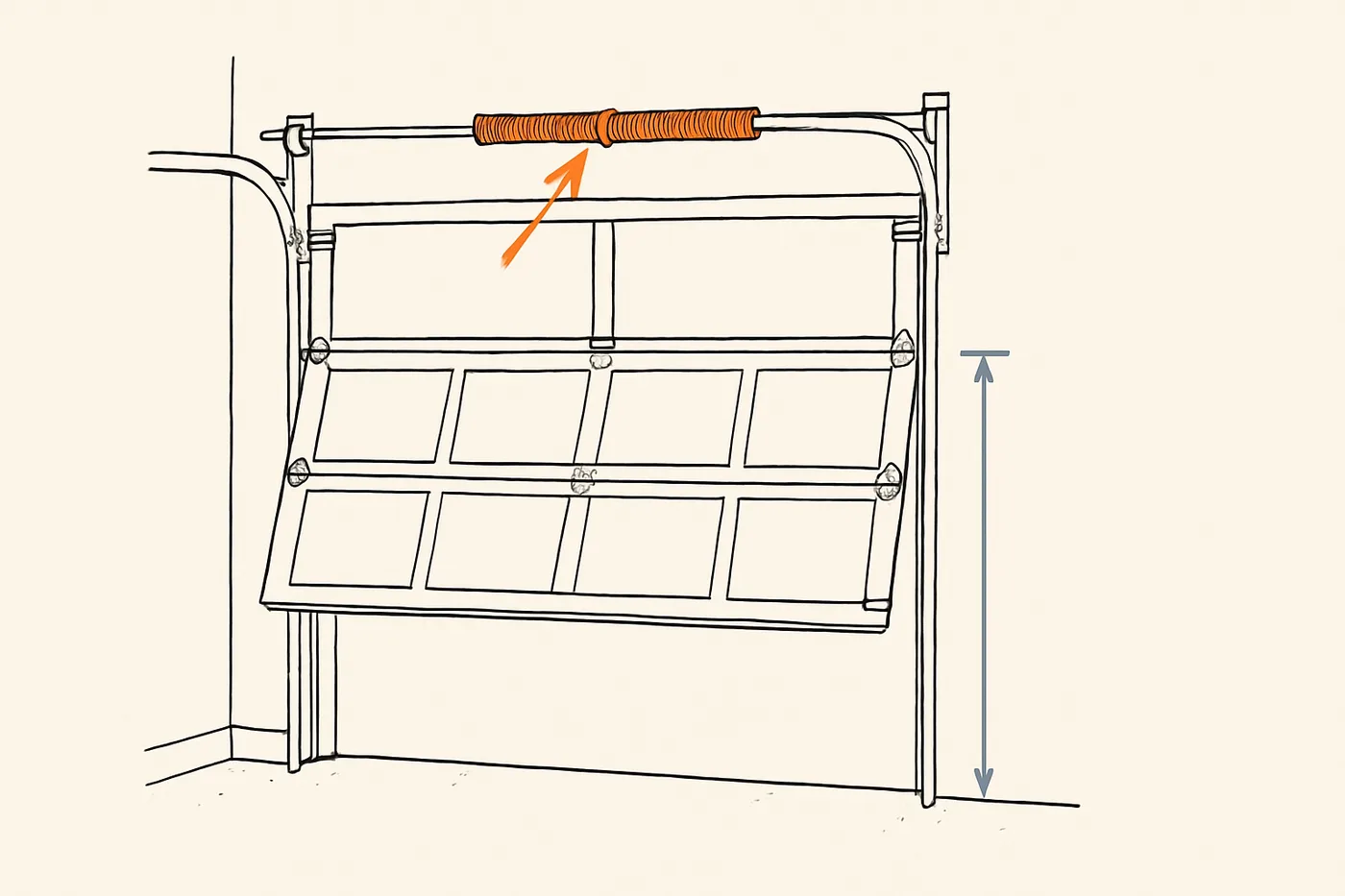
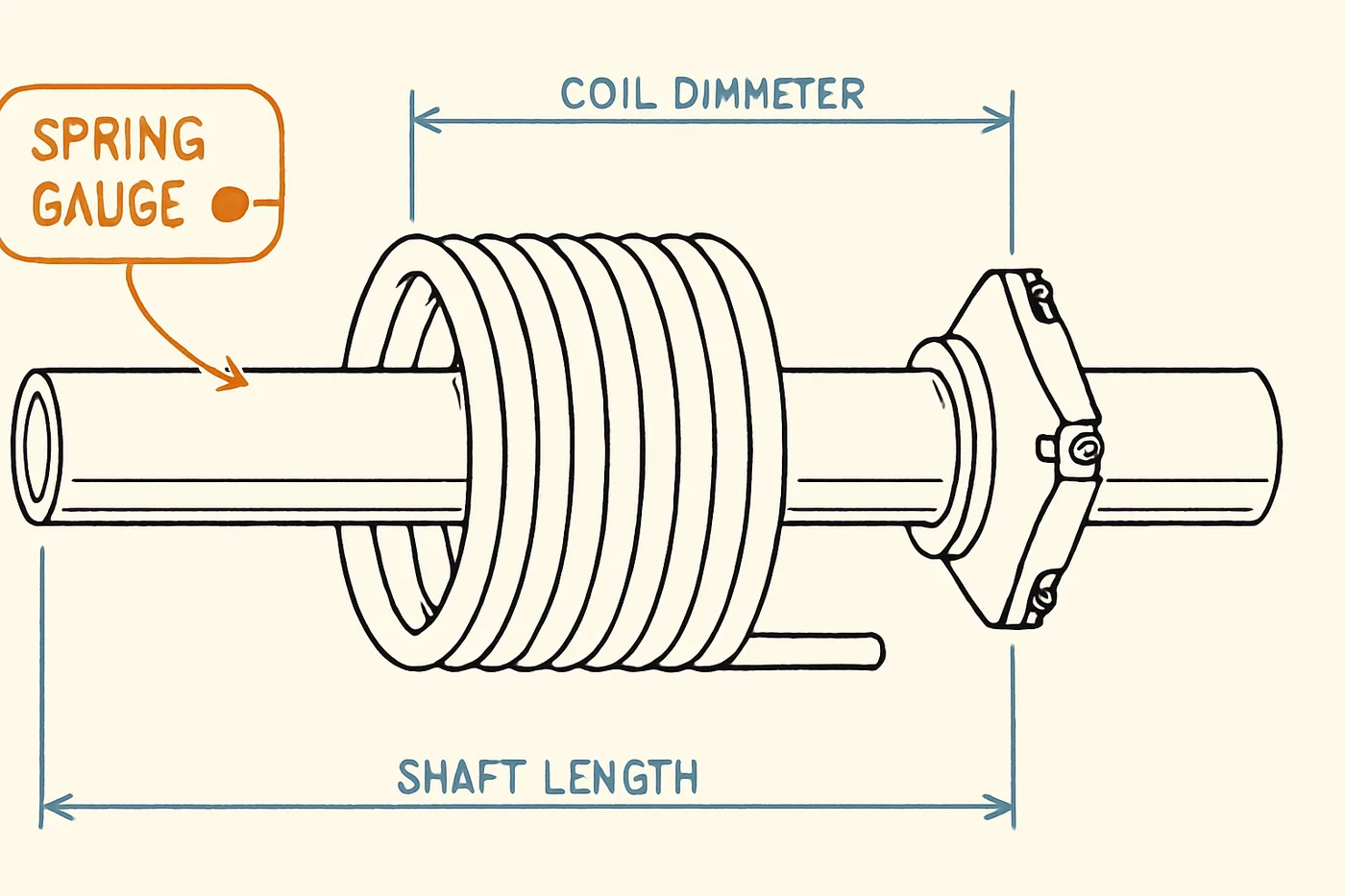
For code 1-5, the manual's list of causes includes a broken spring (manual, p. 40). That is not a repair for you. The manual says springs are under high tension and only qualified individuals should adjust them (manual, p. 45), and it says to contact a trained door systems technician if parts show damage (manual, p. 45). If the door binds, sticks or is out of balance, stop and call a technician too (manual, p. 2).
When it will not close
If the door will not close and the bulbs blink, the manual says the sensors must be connected, aligned and free of obstructions (manual, p. 41). Work through it in this order:
- Look at the sensor LEDs. Both should be steady once the sensors are aligned (manual, p. 40).
- Clear the path. Nothing hanging on the door should be in the sensor path (manual, p. 40).
- Check the wires. Code 1-1 means a sensor is not connected or a wire is cut, and code 1-2 means a sensor wire is shorted or reversed (manual, p. 40).
The fix is always to get the sensors connected, aligned and clear, as the manual says (manual, p. 41). Chamberlain's B980 page lists a safety sensor kit among its replacement parts (Chamberlain's B980 page). Our guide to garage door safety sensors goes through more causes.
Upkeep the manual asks for
Every month, the manual asks you to (manual, p. 39):
- Operate the door by hand. If it is unbalanced or binding, call a trained technician.
- Check that the door opens and closes all the way.
- Test the safety reversal.
Once a year, the manual asks you to test the battery backup and think about replacing the battery (manual, p. 39). The manual says the opener itself needs no extra lubrication and the tracks should not be greased (manual, p. 39). Page 39 also covers oiling the door's hardware (manual, p. 39). Our lubrication guide gives the door makers' schedule for the hinges and rollers, and we leave anything touching the torsion spring to a technician.
Warranty periods
Page 43 of the manual gives these periods:
| Part | Warranty |
|---|---|
| Motor | Lifetime |
| Belt | Lifetime |
| Parts | 5 years |
| Accessories | 1 year |
| Battery backup | 1 year |
The warranty is for the first retail purchaser at a residence, conditions apply, and the page gives a number to call (manual, p. 43).
Springs, cables, brackets and balance
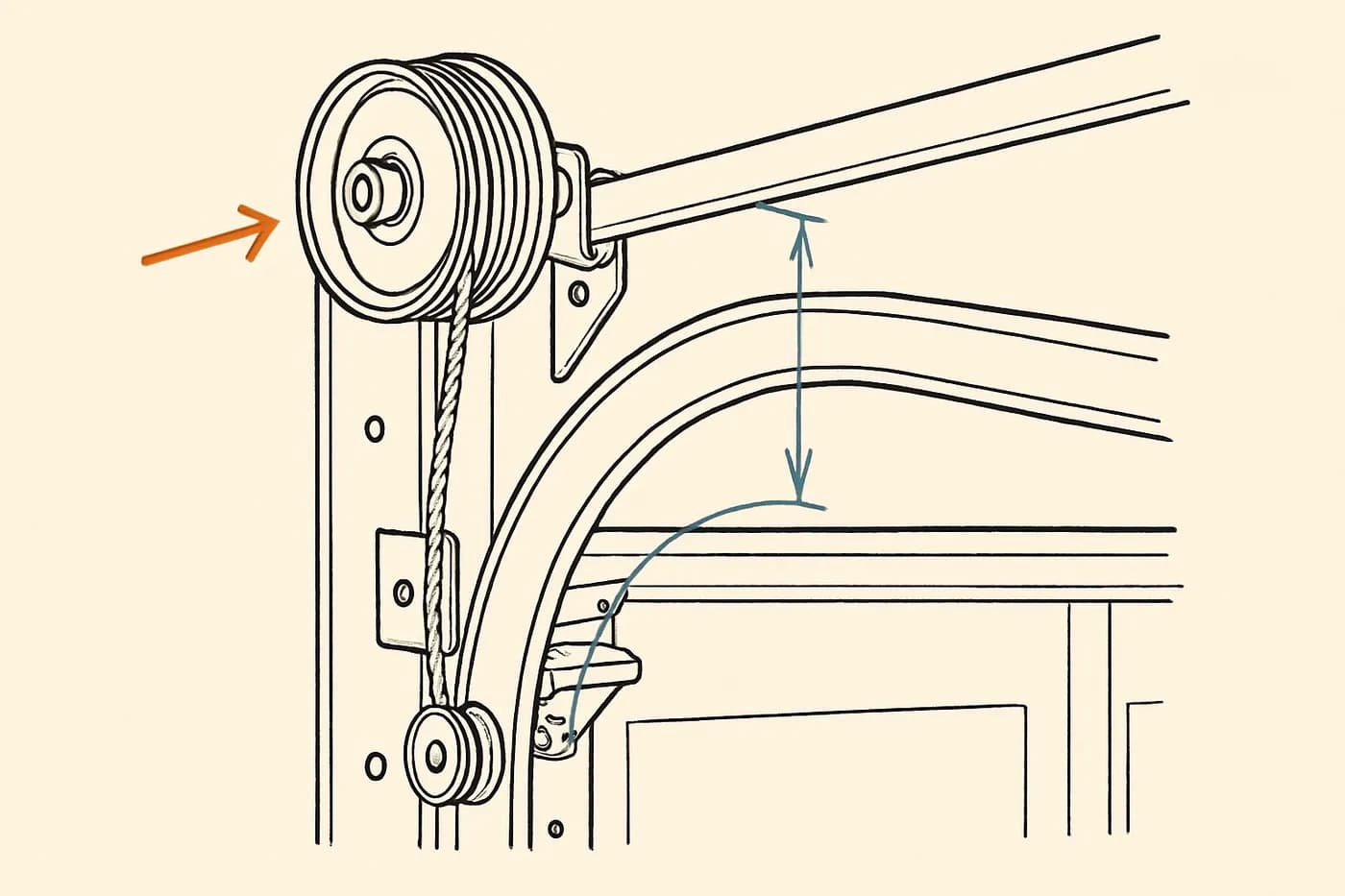
The manual says to call a trained door systems technician if the door binds, sticks or is out of balance (manual, p. 2). It also says never to try to loosen, move or adjust the door, springs, cables, pulleys, brackets or their hardware, which are under extreme tension (manual, p. 2). There are no steps for those here. They are a technician's job.
What to ask before you buy a used one
- Is it really a B980? Read the model label on the left side panel (manual, cover).
- Can you still get parts? The model is discontinued, and Chamberlain's B980 page lists replacement parts including a 7 ft belt kit, a DC motor with travel module, a safety sensor kit, a light socket kit, a transformer for the Wi-Fi battery backup and a 3V CR2032 battery.
- How old is the battery? It lasts about one to two years with normal use, and the replacement is part 41A6357-1 (manual, p. 32). A full charge takes 24 hours, and a fully charged battery shows a solid green LED (manual, pp. 32 and 41).
- Does the warranty carry over? The manual says it is for the first retail purchaser (manual, p. 43), so ask the seller and read page 43.
- Which remotes come with it? Older Chamberlain remotes are not compatible (manual, p. 37).
- Is it flashing a code? Run it and watch the UP and DOWN arrows (manual, p. 40).
Once it is yours, erase the last owner's remotes, keypads and myQ devices, and the Wi-Fi connection, using the steps on page 38.
What to do first
- Look at the battery LED and match it to the table above (manual, p. 41).
- If the arrows are flashing, count the flashes and find the code on pages 40 and 41 (manual, pp. 40 to 41).
- If the door binds, sticks, feels out of balance or a spring looks broken, stop using it and call a trained door systems technician (manual, pp. 2 and 45).
If you want to see how the sensors and the reversal work, the safety systems lab is the next thing to open.