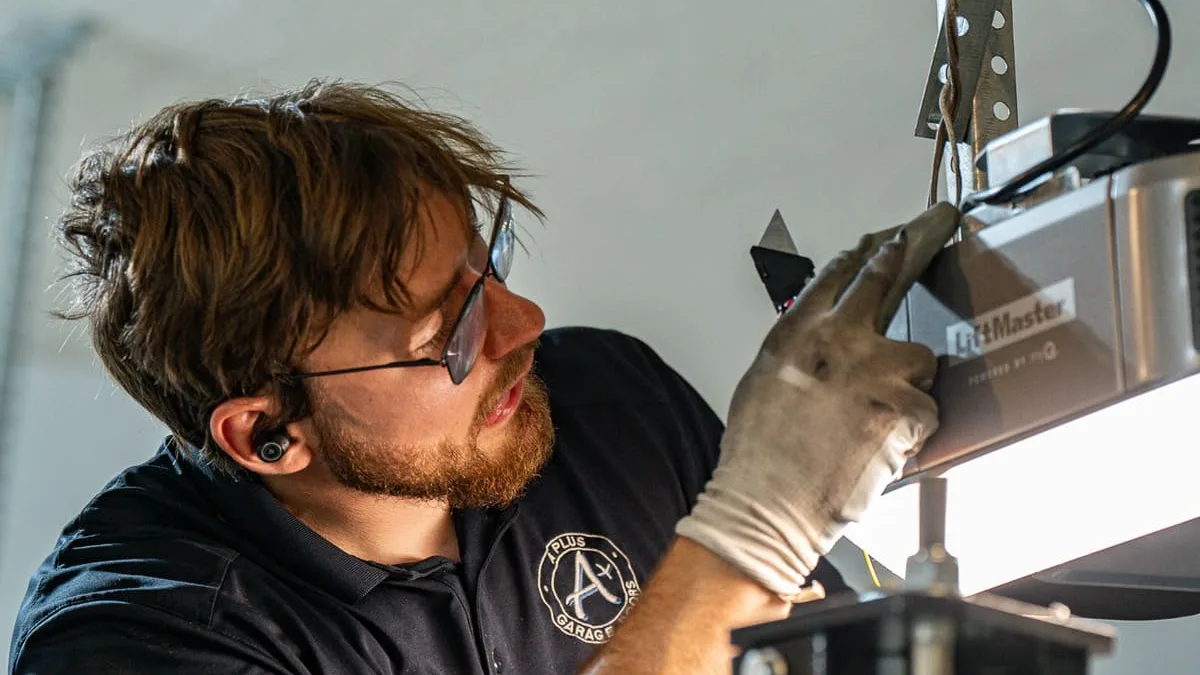
Programming a new garage door remote, or a remote to a new opener
Got a new remote or a new opener? Press Learn on the opener, then hold the remote button within 30 seconds. Steps for LiftMaster, Chamberlain, Craftsman and Genie remotes and keypads, plus erasing old remotes.

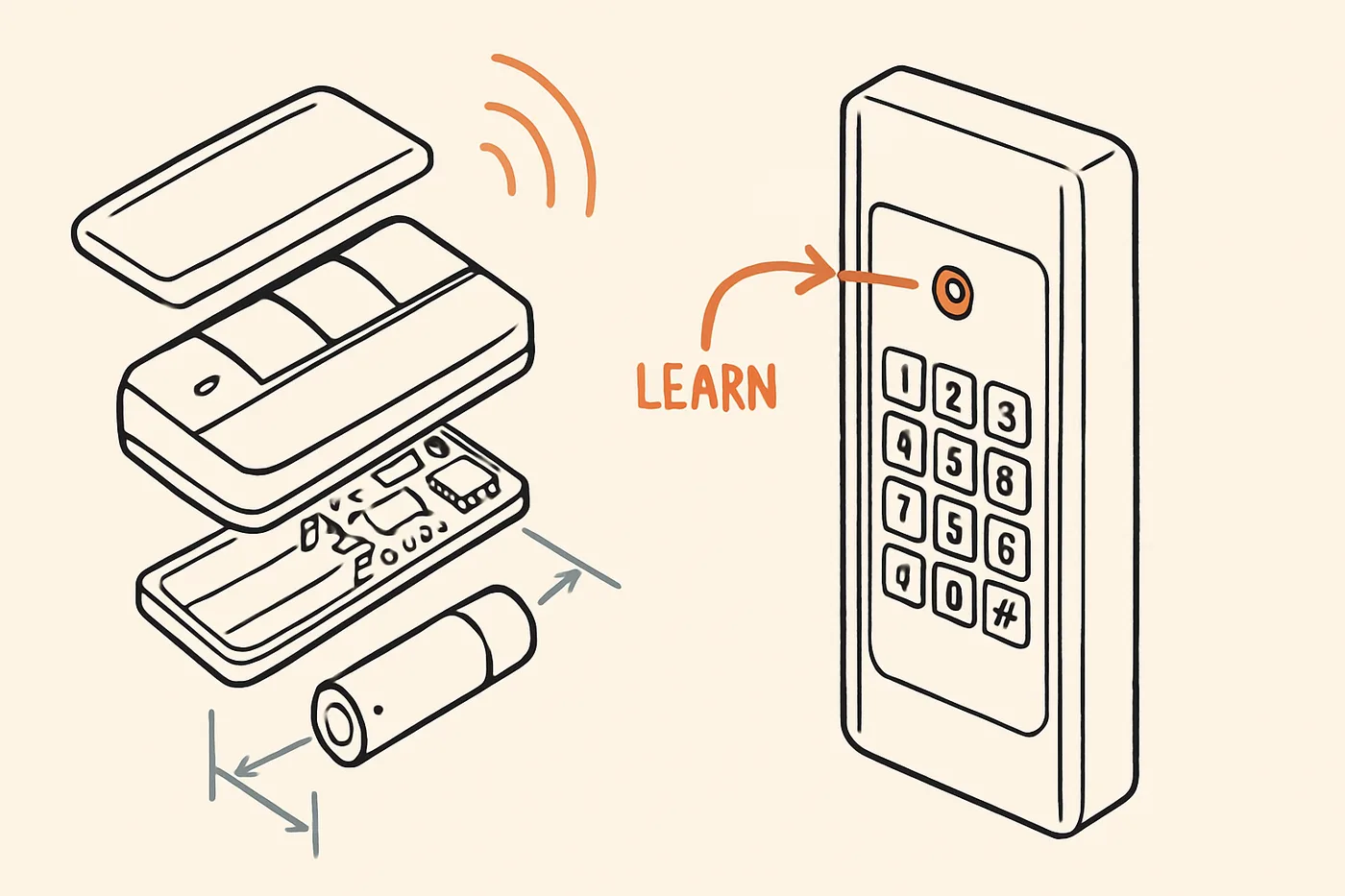
On most LiftMaster, Chamberlain and Craftsman openers, press and immediately release the Learn button on the motor unit, then within 30 seconds press and hold the button on the remote until the opener lights flash or you hear two clicks. Those steps come from Chamberlain's remote guide, and Chamberlain's Learn button page gives that same 30-second window for every button color.
On a Genie, press the Learn Code button on the opener, then press the remote button slowly, two times; a third press runs the door. That is from Genie's instructions.
The exact steps depend on the brand and on how old the opener is. Find yours below.
New remote, or a new opener? It is the same job. The codes live in the opener, so each remote and keypad has to be programmed to the opener it will run, and an opener someone else used may still hold their remotes, so see "How do I erase old remotes?" below before you start. Check that the remote works with your opener before you buy; "Why will my remote still not program or work?" below says how.
Not sure programming is the problem? Start with our page on a garage door opener or remote that is not working. If you want to see where the motor unit sits in the rest of the door system before you climb up, the garage door anatomy lab shows every part.
Before you start
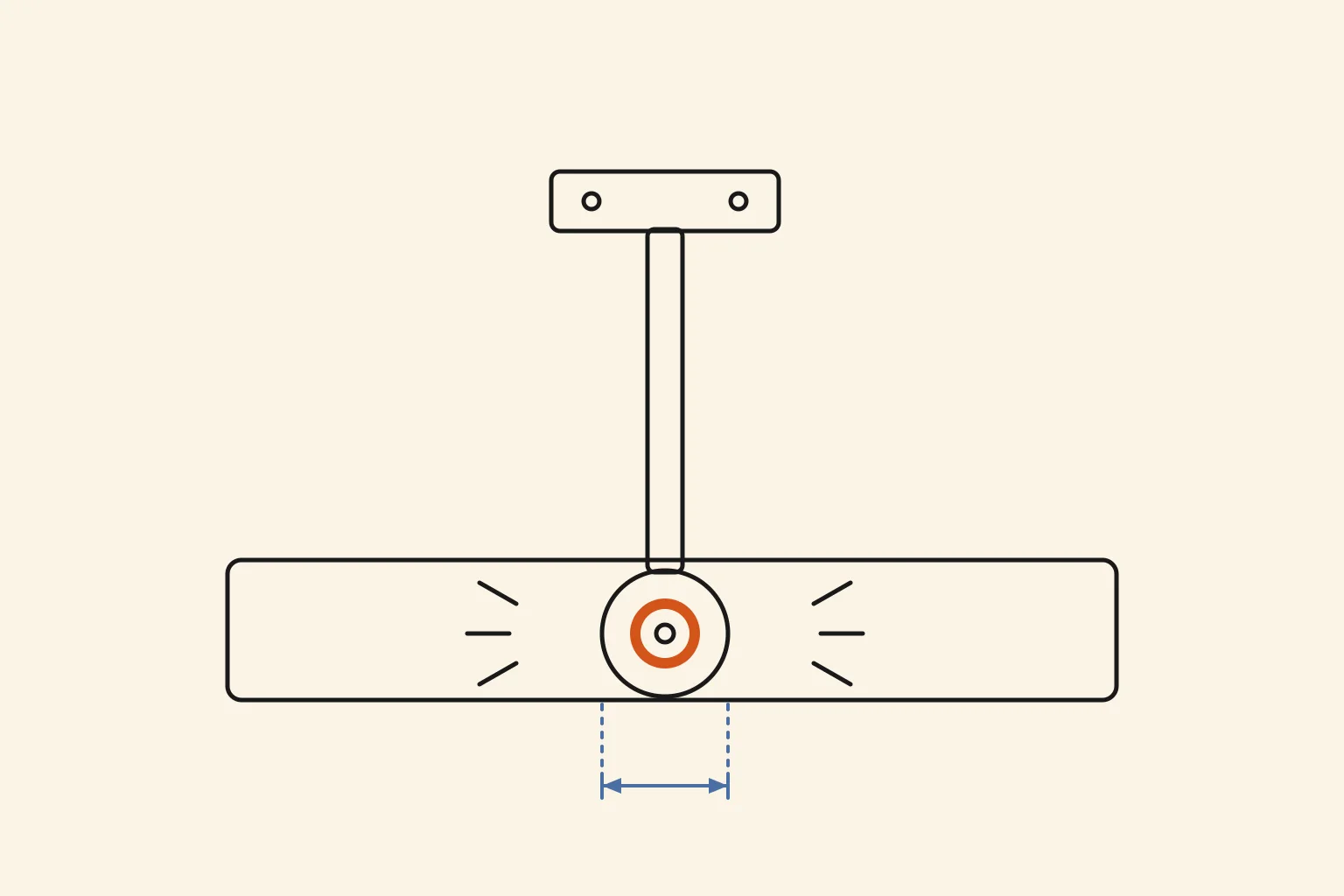
Check the brand name on the motor unit on the garage ceiling. The Learn button is on that unit, so you will likely need a stepladder; Chamberlain's keypad guide mentions a ladder or a second person.
Chamberlain's remote guide says to clear the area around the door and stay within sight of the opener, because the door may move during programming. None of this touches the springs or cables. Springs and cables are always a job for a pro.
How do I program a LiftMaster, Chamberlain or Craftsman remote?
These steps come from Chamberlain's guide to programming a remote control:
- Find the Learn button on the motor unit.
- Press and immediately release it. The Learn button's LED glows steadily.
- Within 30 seconds, press and hold the button on the remote you want to use for this door.
- Let go when the opener lights flash or you hear two clicks.
- Press the remote button again to test it.
Missed the window? Chamberlain's remote guide says to wait for the Learn LED to turn off before you try again, then repeat the steps. The LED turns off after 30 seconds, says Chamberlain's Learn button page.
Does the color of the Learn button matter?
Not for a remote. Chamberlain's Learn button page lists one press and 30 seconds for green, red, orange, purple and yellow buttons alike. The color does change the steps for some keypads (see below). On a yellow button, the same page says the opener keeps listening for up to 3 minutes, but only the first 30 seconds program remotes.
My opener has a wall control with a screen
Use the menu on the wall control instead. Chamberlain's manual for its B980 opener (page 37) and Chamberlain's remote guide give the same steps: press Menu, choose PROGRAM, then REMOTE, then press and hold the remote button until the opener lights flash or you hear two clicks. If that does not work, the manual says to repeat the steps using the Learn button on the opener.
My wall control has its own Learn button
Press that Learn button twice, and the LED starts blinking. Within 30 seconds, press and hold the remote button until the lights flash or you hear two clicks. These steps are in Chamberlain's remote guide.
How do I program a Genie remote?
These steps come from Genie's page for its three-button remote:
- Stand at least 5 feet away from the opener with the remote.
- Put the opener in programming mode. On an opener with a Learn Code button, press and release it once; the red LED starts to flash. On a newer opener with a program button, press and hold it until the round LED turns blue, then let go; the long LED starts flashing purple.
- You now have about 30 seconds. Slowly press and release the remote button you want, two times. The opener LEDs flash and go off.
- Press the same button a third time. The door should move.
If it does not take, go slower. Genie's instructions say it is possible to press the remote button too quickly or lightly.
What if my Genie remote has a row of tiny switches?
Then you do not program it with a button. Genie's master remote page covers remotes with 9 or 12 switches inside: you set the remote's switches to match the pattern on the opener. Genie's wall console page lists its 9 and 12 switch openers as made from 1993 to 1995.
How do I program a wall keypad?
Before you reprogram a keypad, replace its battery and check whether your code still works: it sits outside in the weather, and Raynor's winter checklist says that is why a keypad battery often needs attention sooner than a remote's.
Older LiftMaster and Chamberlain keypads
From Chamberlain's keypad PIN guide:
- Press and release the Learn button on the opener. The LED turns on, and you have 30 seconds.
- Enter a 4-digit PIN on the keypad.
- Press and hold ENTER until the opener light blinks.
Newer keypads (940EV and 877MAX)
These keypads have you set the PIN first, and the number of ENTER presses depends on the color of the opener's Learn button. From Chamberlain's guide for the 940EV and 877MAX:
- Press and hold * and # until the keypad lights stop blinking.
- Enter a 4-digit PIN, then press #.
- Press ENTER once for a yellow Learn button, twice for purple, three times for red or orange, or four times for green.
- Press 0.
- Press the Learn button on the opener.
- Within 30 seconds, enter your 4-digit PIN, then press and release ENTER.
A wall control with a screen
From the B980 manual, page 37: press Menu, choose PROGRAM, then KEYPAD, enter a 4-digit PIN on the keypad and press ENTER. The opener lights flash or you hear two clicks.
Genie keypads
From Genie's keypad page:
- Set your PIN first: press 3, 5, 7, then PROGRAM, then your PIN (3 to 8 digits), then PROGRAM.
- Put the opener in programming mode, the same way as for a remote above.
- Enter the PIN on the keypad.
- Press the UP/DOWN key slowly, 3 to 4 times, until the opener runs.
Genie's keypad page says all of this has to be done within the 30 seconds.
How do I erase old remotes?
Do this when you move into a house, or when a remote goes missing. Press and hold the Learn button on the opener until the LED turns off, about 6 seconds. Chamberlain's erase guide says all previous codes are then erased. The B980 manual (page 38) says the same: all remote and keyless entry codes are erased. Then reprogram each remote and keypad you want to keep.
On a Genie, clearing the memory from the power head clears all programmed remotes and keypads, according to Genie's instructions. On an opener with a Learn Code button, press and hold it until the LED stops blinking. On a newer opener, hold the program button until the round LED turns blue, then hold the Up (+) and Down (-) buttons until both LEDs are solid blue.
Why will my remote still not program or work?
Work through these in order.
Put in a fresh battery. Chamberlain's range guide says to use a fresh, high quality 3V CR2032 battery, and that a weak battery is a common cause of poor range. Also check it is installed the right way; Chamberlain's remote guide lists that check too.
A new battery will not erase your programming. The codes live in the opener. Genie's master remote page says programming is not affected by battery replacement, and Chamberlain's erase guide says programming will not erase even if the opener is unplugged for a long time.
Check the remote works with your opener. Not every remote fits every opener. The B980 manual says older Chamberlain remotes are not compatible with it, and Chamberlain has a Compatibility Tool you can check first. If you buy a replacement or universal remote, check its package and that tool against your opener's brand and year.
Try a different light bulb. Chamberlain's range guide says some LED bulbs give off radio signals that can interfere with the remote, and suggests an incandescent or CFL bulb instead. Disconnect power to the opener before you change its bulbs, as Chamberlain says.
Check the antenna wire if the range is short. If you can reach the opener's antenna wire, Chamberlain's range guide says it should hang fully extended and point straight down. That helps range; it is not part of programming.
What if it still will not program after two clean tries?
Repeat the steps for your brand once more, slowly, and confirm the remote is compatible. If it still will not take after that, have a garage door technician look at the opener. If the opener itself needs service, A+ Garage Doors (our affiliated installer) handles garage door repair in Las Vegas, and Garage Door Pro Services (our affiliated installer) covers the same across Southern Utah.