Your garage door opener light is flashing. Here's what the pattern is telling you.
Learn what your garage door opener's blinking light means. Discover common flash patterns and troubleshooting steps to identify issues.

You pressed the button. The door started down, then rolled back up. Now the overhead light on the opener is flashing at you, and it will not stop.
That blinking is not a malfunction. It's the opener trying to tell you what it saw. Modern openers use the ceiling light, and sometimes a small LED on the motor housing, as a diagnostic display. Count the blinks, note the pause, and the pattern maps to a specific fault in the manual. Most of the time, you can clear it in five minutes without a technician.
Here is how to read what your opener is saying.
First, count the pattern
Walk out, look up, and watch one full cycle. A flashing opener light repeats: a group of blinks, a pause, then the same group again. Count the blinks in one group. One flash, pause, one flash, pause is a different code from one flash, pause, two flashes, pause.
Once you have the count, open the manual and look it up before you touch anything else. Chamberlain, LiftMaster, Genie, and Craftsman all publish their flash codes, and they are not interchangeable between brands. A code that means "photo-eye blocked" on one opener can mean "travel limit error" on another. Guessing wastes time and can send you looking for a problem you don't have.
If you cannot find your manual, the model number is on a sticker on the side or back of the motor housing. The manufacturer's website will have the PDF.
Ten flashes almost always means the safety sensors
By a wide margin, the most common flash code homeowners see is ten blinks. On a Chamberlain B980, ten flashes paired with the door reversing while closing means the photo-eye beam was obstructed or the sensors are misaligned. This is not the opener failing. This is the opener doing what federal regulation 16 CFR 1211.7 requires: a closing door must reverse within two seconds of hitting an obstruction, and the photo-eyes are the first line of defense that keeps it from hitting anything at all.
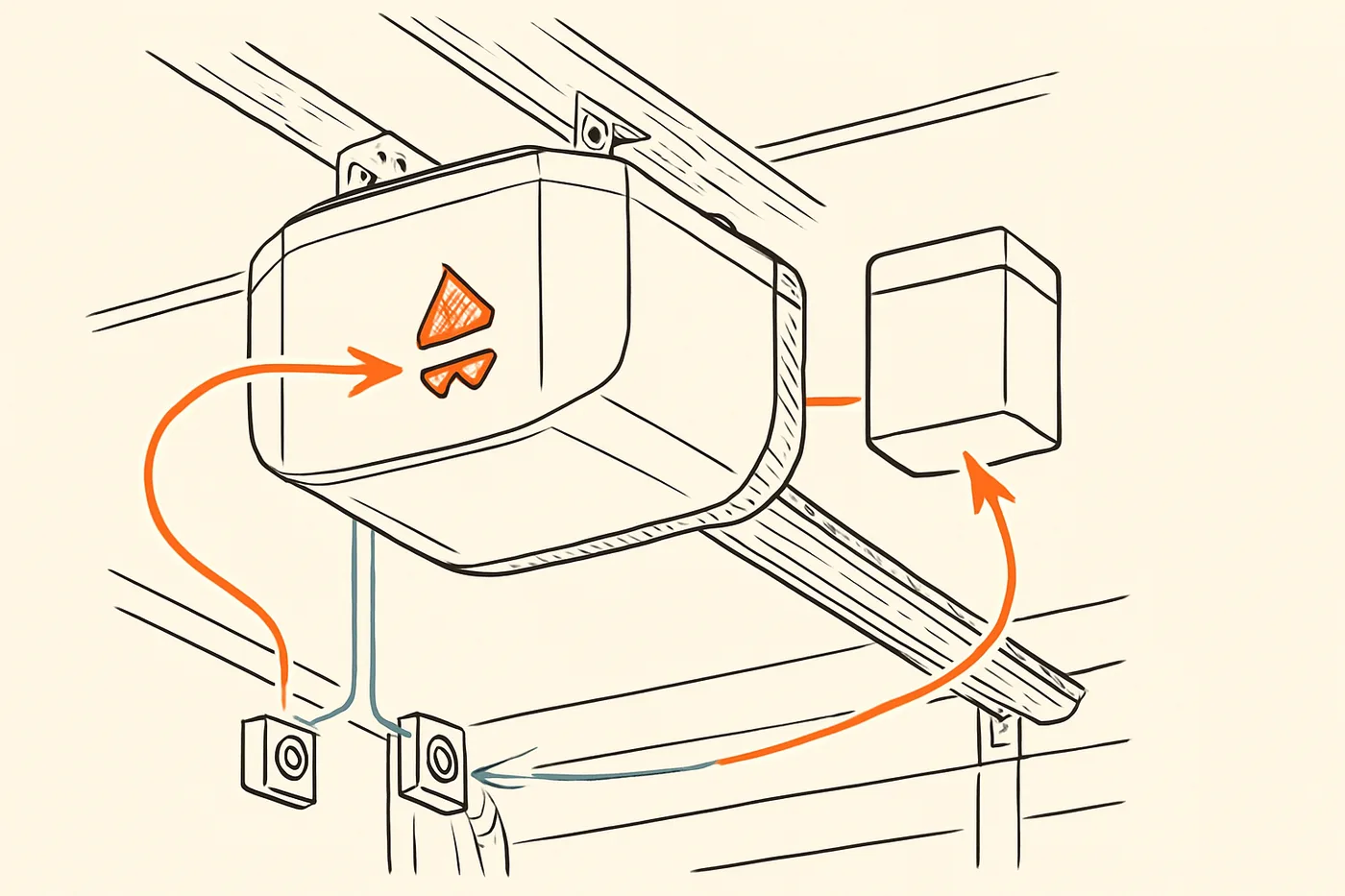
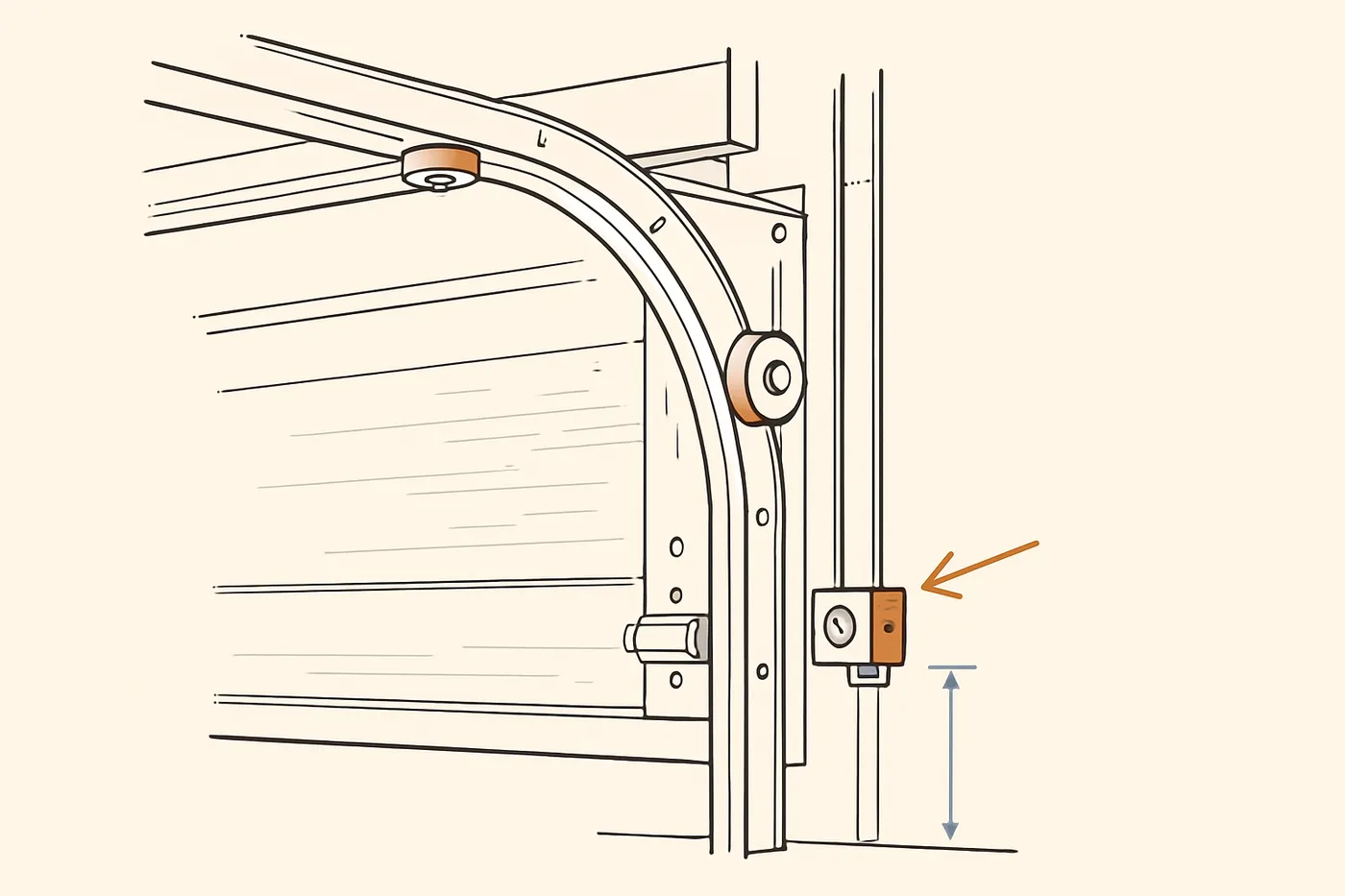
Walk to the bottom of the door tracks. You should see two small sensors mounted on brackets, one on each side, no higher than 6 inches above the floor. Look at the LEDs on each one. On a Chamberlain, the sending sensor has an amber LED and the receiving sensor has a green LED. When everything is working, both lights glow steady.
If the receiver's green LED is blinking or off, run through this in order:
- Clear anything in the beam path. A leaf, a bike tire, a cobweb stretched between the brackets, a cardboard box pushed too close.
- Wipe both lenses with a soft dry cloth. Dust and spider silk are the two most common culprits, especially in fall.
- Check that neither bracket has been bumped. A bracket knocked a quarter inch out of true will break the beam. Loosen the wing nut, aim the sensor straight at its partner, and tighten.
- Look at where the sun is in the sky. If the receiving sensor is pointed into direct sunlight at this time of day, the manual's fix is to swap the two sensors so the receiver sits on the opposite side of the opening.
When both LEDs are steady, press the button again. The ten-flash code should be gone.
Battery backup codes: orange and red mean different things
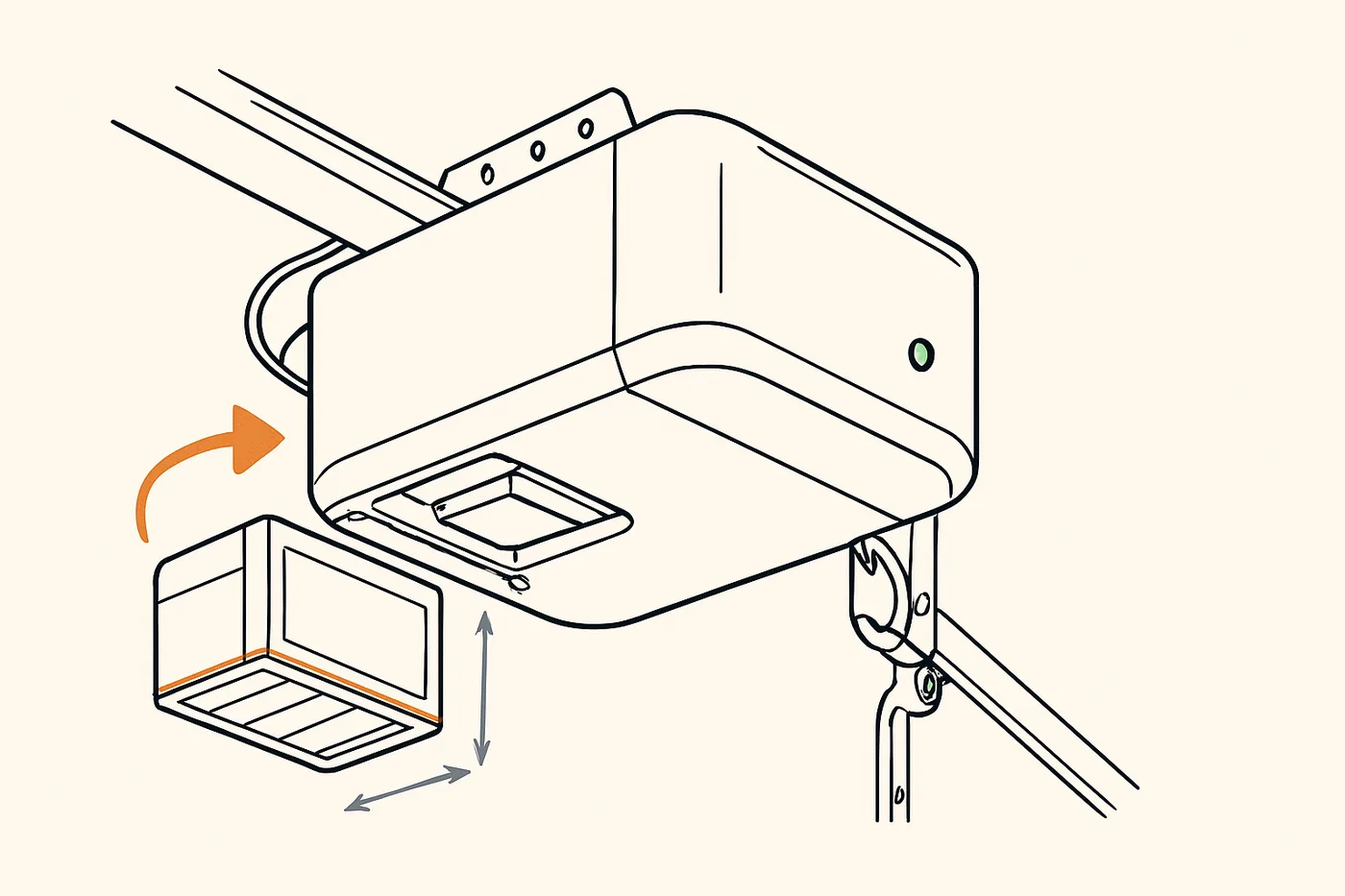
If your opener has a battery backup, it has a second small LED dedicated to the battery, and the codes there are their own language.
On the Chamberlain B980, a flashing orange battery LED with a beep every 30 seconds means the battery is low and should be replaced soon. A solid red battery LED with the same 30-second beep means the battery has failed and will no longer hold a charge. Chamberlain says the backup battery lasts about 1 to 2 years with normal use, so if yours is around that age and the LED has gone red, that is the end of its service life, not a bigger problem.
A separate pattern to know: a solid orange status LED with a beep every 2 seconds means the opener is running on battery power because the house has lost mains power. During a power outage, the opener lights, the myQ app, Timer-to-Close, and Remote Close all stop working, so if the ceiling bulb won't come on at the same time the status LED is orange, that is not a bulb or a code, it is the opener conserving power until the grid comes back.
Other patterns to recognize
Codes vary by brand and model, which is why the manual matters, but the categories are consistent. A short pattern, one blink, two blinks, three blinks, usually points to a wiring or sensor fault at the opener terminals. A longer pattern often points to a travel limit issue, meaning the opener learned a stopping point that no longer matches where the door actually stops. Four or five flashes on some models signals a logic board or RPM sensor fault inside the motor head.
The common thread: these are diagnostic breadcrumbs, not instructions. The opener is telling you where to look. The manual tells you what to do.
What the opener is not telling you
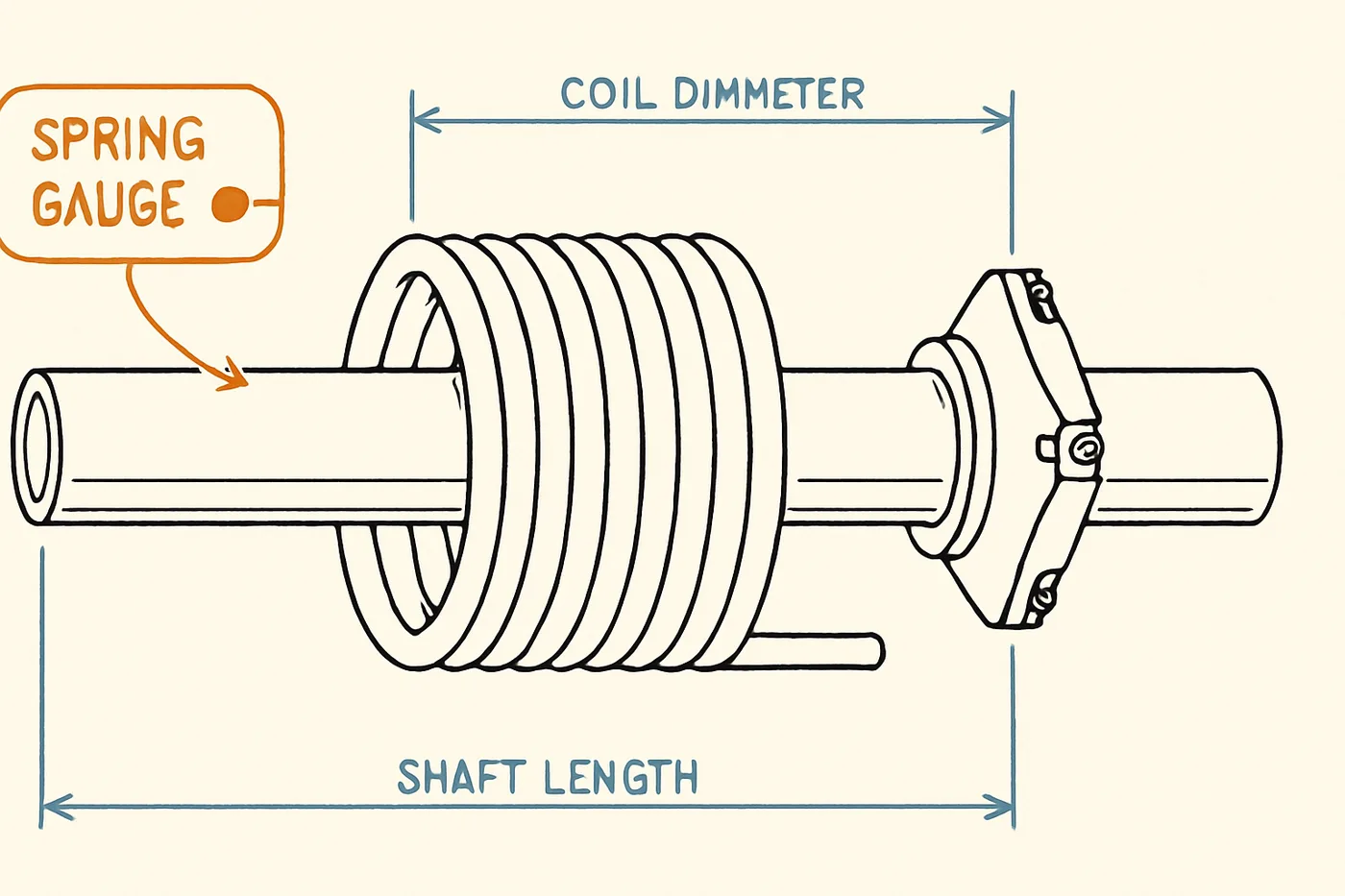
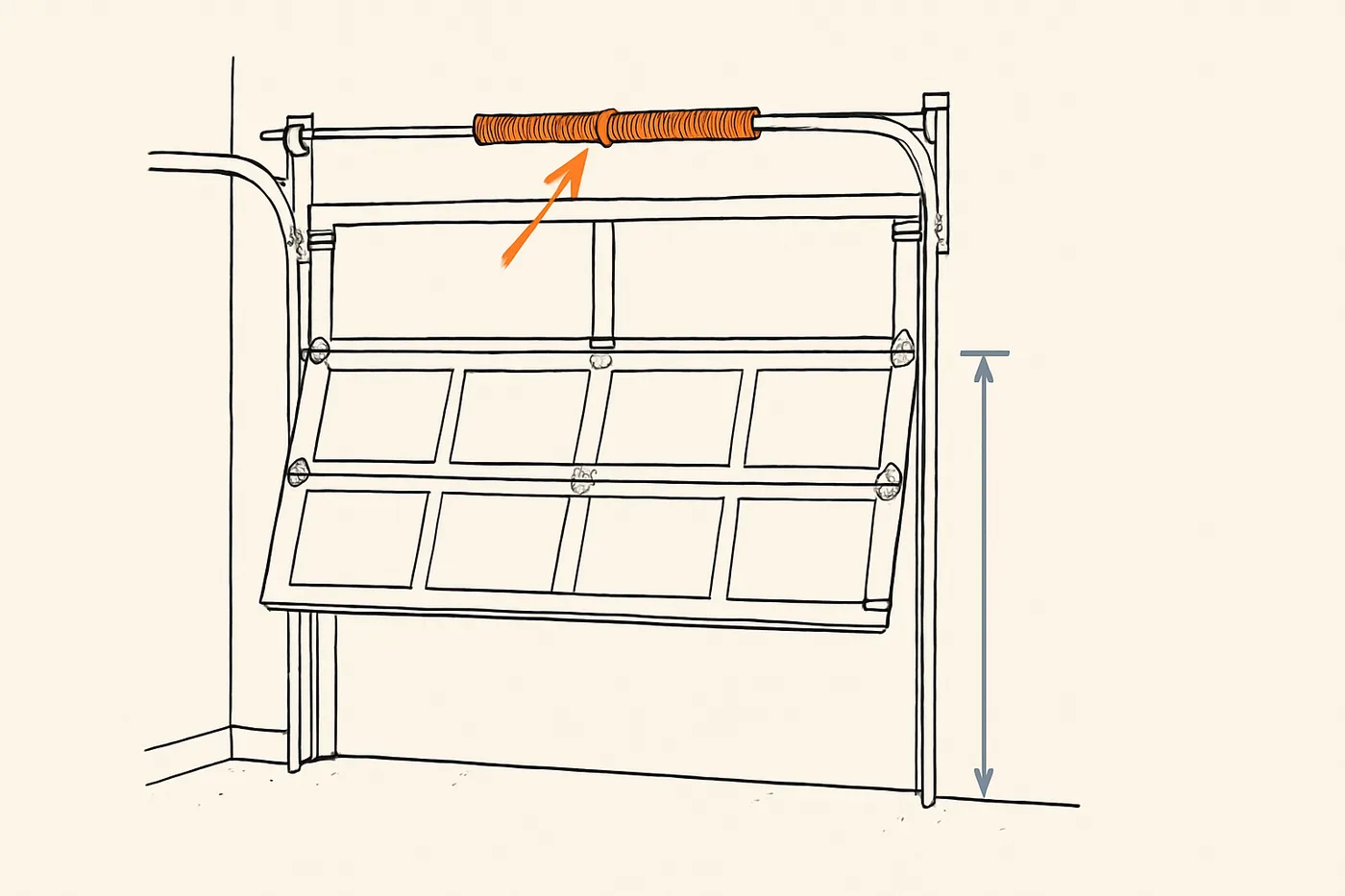
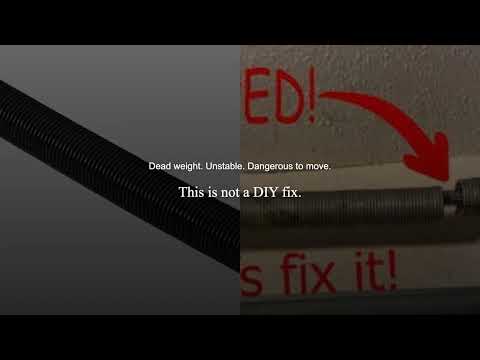
The flashing light reports what the opener's own sensors can see. It cannot see a worn torsion spring, a frayed cable, a cracked roller, or a bent hinge. If the door is suddenly harder to lift by hand, or it drops faster than it used to when you release it, or you hear a bang from the garage overnight, the opener will not flash a code for any of those. Those live on the door itself, and all repairs to cables and spring assemblies, which are under extreme tension, must be made by a trained door systems technician.
Say that out loud to yourself before you go hunting. A spring under tension holds enough stored energy to put you in an emergency room. A cable released under load whips. There is no flash code worth that.
If you need hands on the door itself, Garage Door Pro Services (our affiliated installer) offers a free garage door safety inspection that covers the hardware the opener cannot see, and in southern Nevada, A+ Garage Doors (our affiliated installer) handles residential repair in Las Vegas.
Before you touch anything inside the motor housing
If a flash code sends you to a step that involves opening the opener or working on wiring, Chamberlain is explicit: disconnect electric and battery power to the opener before making any repairs or removing covers. Unplug the unit from the ceiling outlet. If it has a battery backup, disconnect that too. The motor housing has a logic board with mains voltage on it, and the backup battery can drive the opener even with the plug pulled.
Your plan for today
Three things, in order:
- Count the flash pattern, blinks per group, pause, repeat, and write it down.
- Walk to the photo-eyes at the bottom of the tracks. Clear the beam path, wipe both lenses, confirm both LEDs glow steady. For most ten-flash codes, this is the whole fix.
- Open the manual for your opener model and match your count to the code. If the code points to something other than the sensors, or if the sensors look right and the code persists, that is the call-a-technician line.
One more task that belongs on the same visit, because the manual requires it and because the law is specific about why: test the safety reversal every month and after any adjustment. Lay a 2x4 flat on the floor in the door's path and close the door, it must reverse on contact. If it doesn't, the flashing light is no longer your biggest problem. For a visual walkthrough of what the sensors are doing and why reversal matters, the safety systems lab and Margaret's garage door safety guide both show the test in motion.
A blinking opener light is a conversation the manufacturer tried to have with you in advance. Count the pattern, read the code, and the opener tells you what it needs.